

DesignOps is a Figma plugin that automatically audits your design files for quality issues — detached styles, missing tokens, orphan components, broken spacing — and fixes them in one click.
Instead of spending hours scrolling through layers and inspecting properties manually, run a single scan and get a complete report. Every issue is linked to the exact layer, with a suggested fix ready to apply.
Whether you're a solo designer maintaining consistency or a team lead reviewing handoff files — DesignOps catches what human eyes miss.
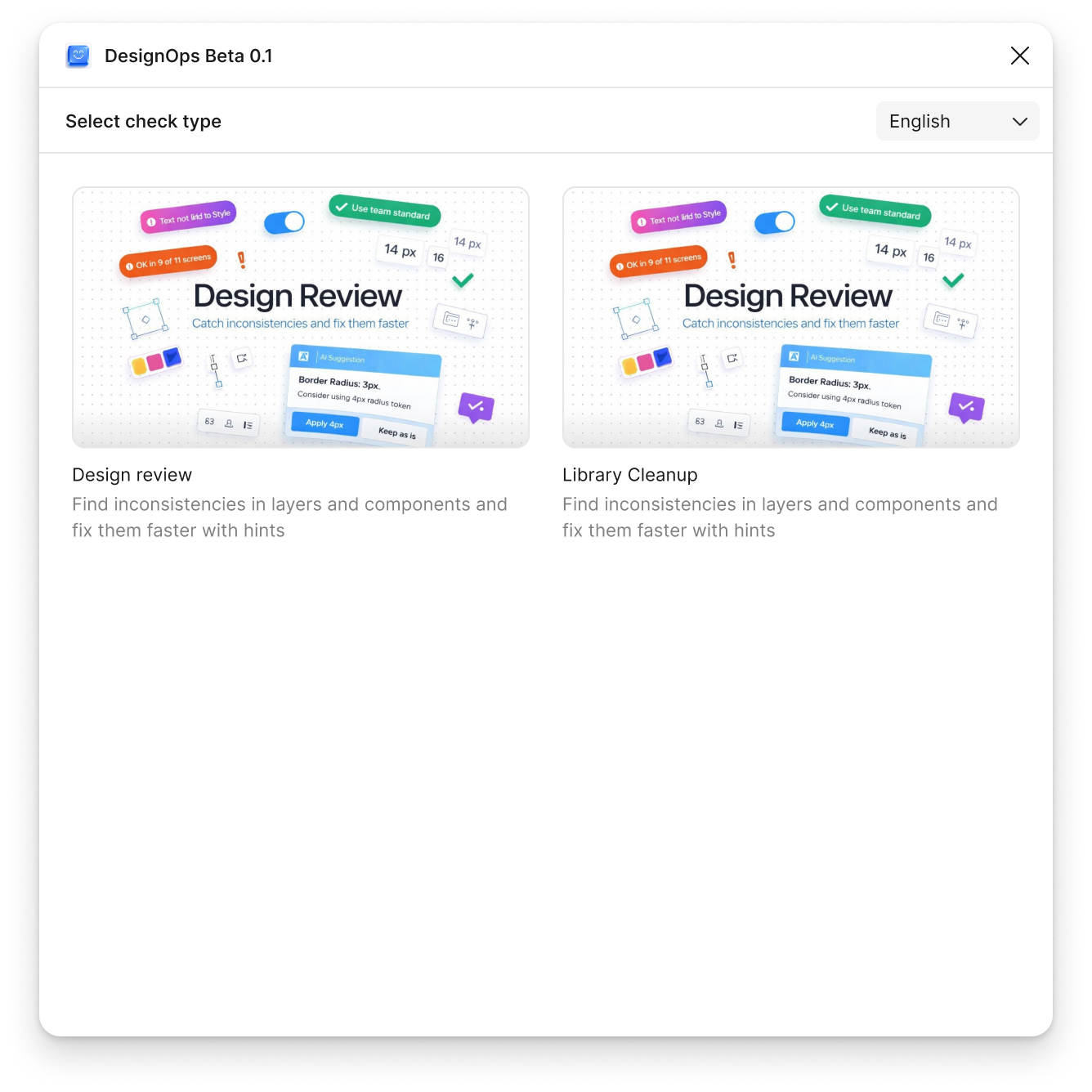
Find and fix every style and component issue in your file.
Validate your layouts against your design system rules.
Once you've used your 10 free Library Cleanup and Design Review checks, you'll need to upgrade to PRO for unlimited access. Your existing fixes and settings are preserved.
A PRO license is tied to a single Figma account. If you need access for a team, contact us for volume pricing.
Create an account on design-ops.pro with your email. After subscribing, open the DesignOPS plugin in Figma and log in with the same email — PRO activates automatically.
We accept credit/debit cards, SBP, and YooMoney via YooKassa. We also accept cryptocurrency (BTC, ETH, USDT and more) via Plisio.
Yes. You can cancel your PRO subscription at any time. You'll keep access until the end of your current billing period.